|
 |
|
|
|
|
|
|
|
» |
 |
|
| |
| |
| |
| |
| |
| |
| |
|
 TESTIMONIALS TESTIMONIALS
|
|
"... I have been using VIP Organizer for 2 years and find it to be the best software available for managing my task list. It is highly effective, user friendly and priced competitively...."
Ellis L. Marples, -
Stockholm, NJ
|
|
|
|
|
Authorization
|
|
|
|
|
|
|
VIP Organizer's Features |
|
|
|
|
|
|
|
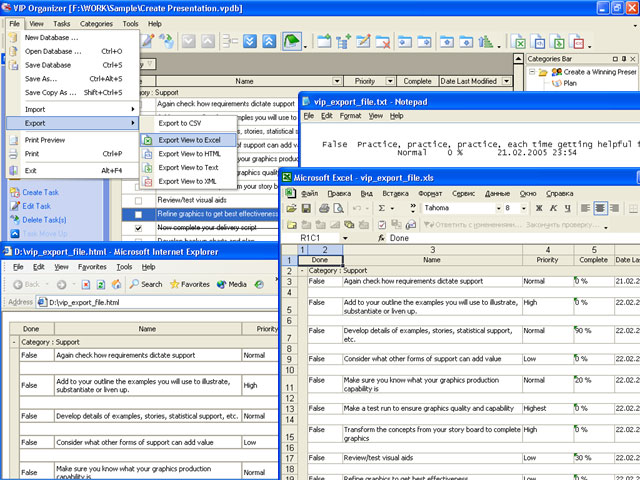
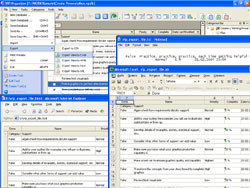
Export of Task List to MS Excel, HTML, XML, Text and CSV formats.
View export to MS Excel, HTML, XML, Text and CSV formats lets you share your tasks data with other users and exchange it with other applications. |
|
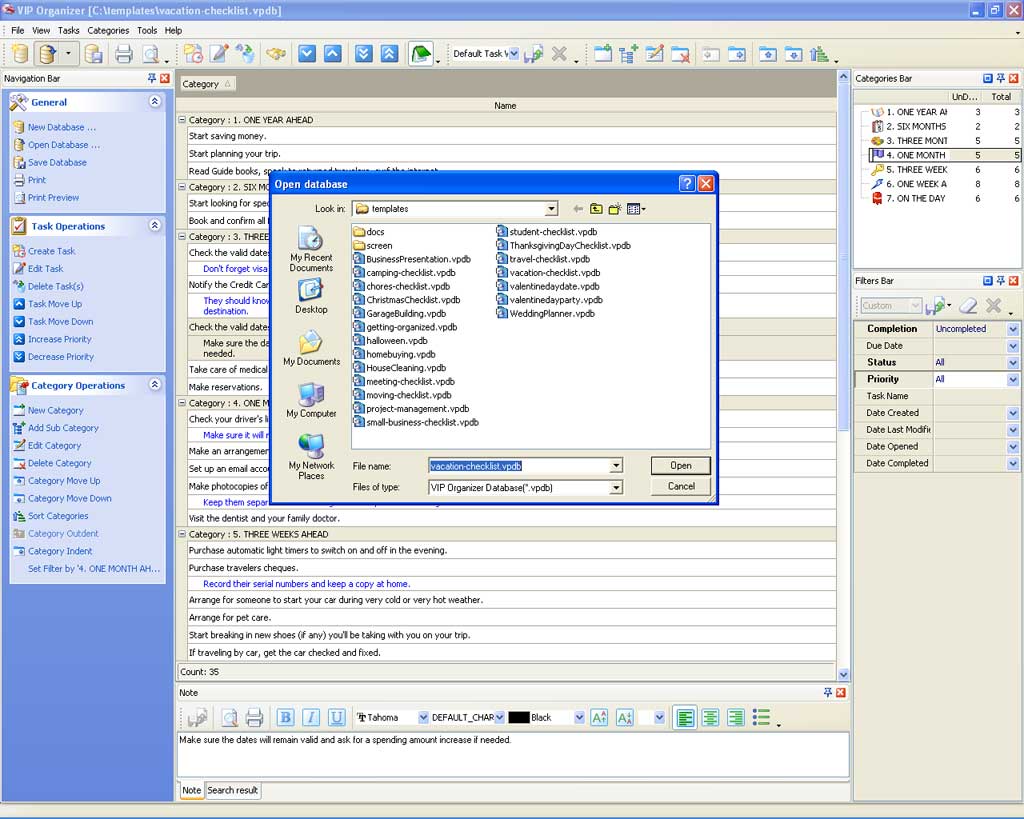
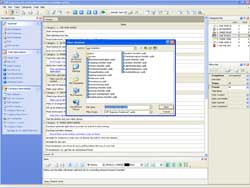
Multiple database management.
VIP Organizer allows you to create, edit and save unlimited number of databases. To protect data from unauthorized access a password which will be asked each time the database is opened.
|
|
|
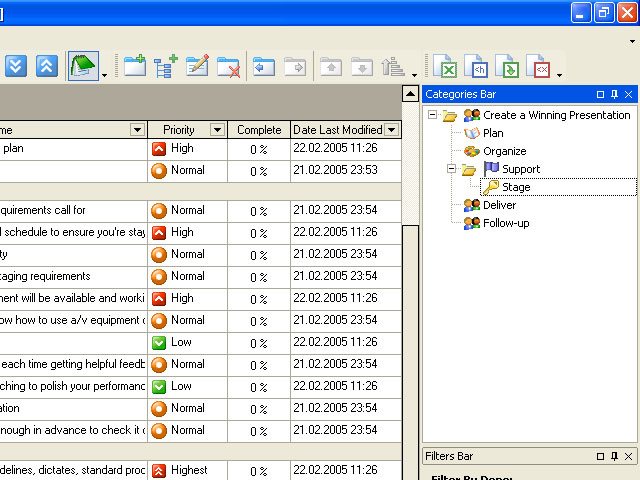
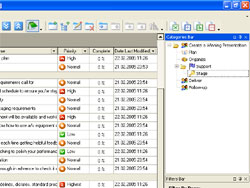
Tree-structured category system.
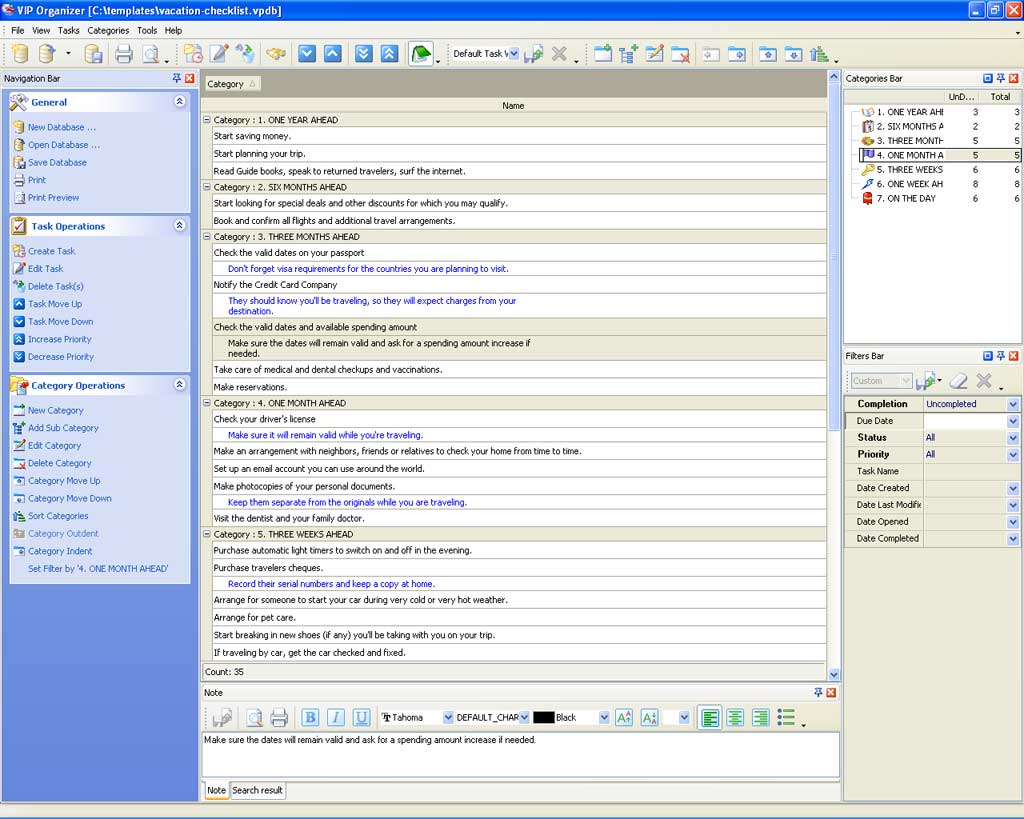
You can create a category tree of unlimited hierarchic structure, assign tasks to any category or subcategory and then display them all or selectively using category filters.
|
|
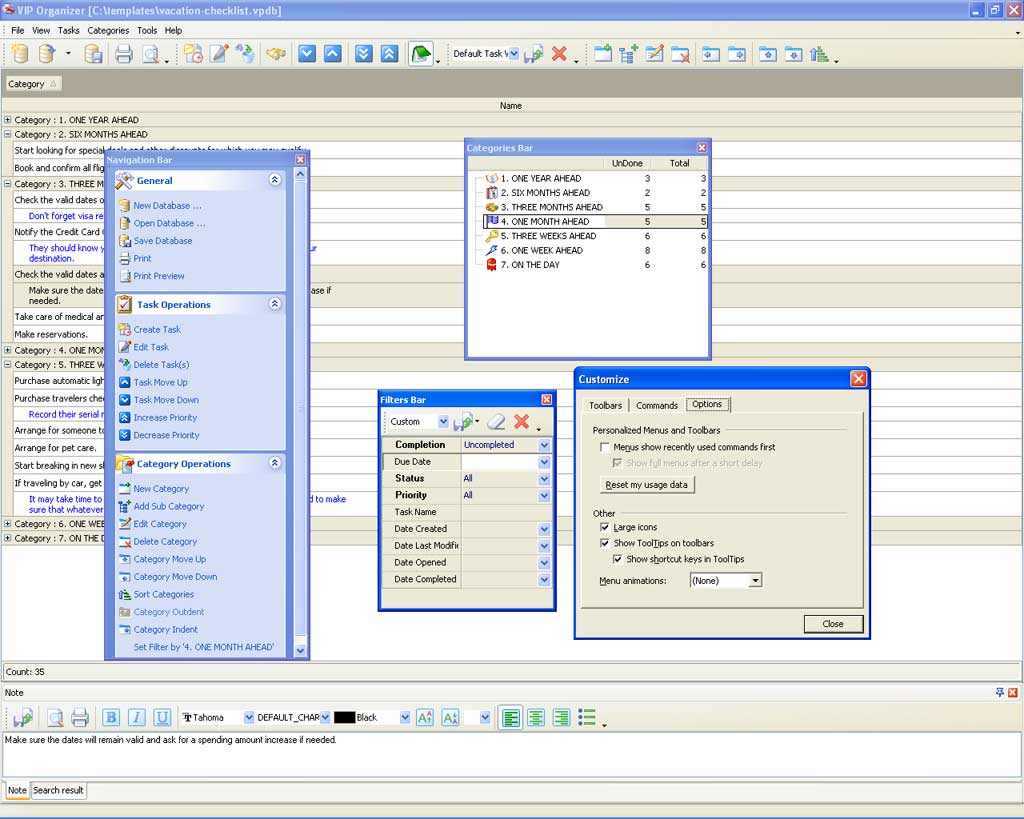
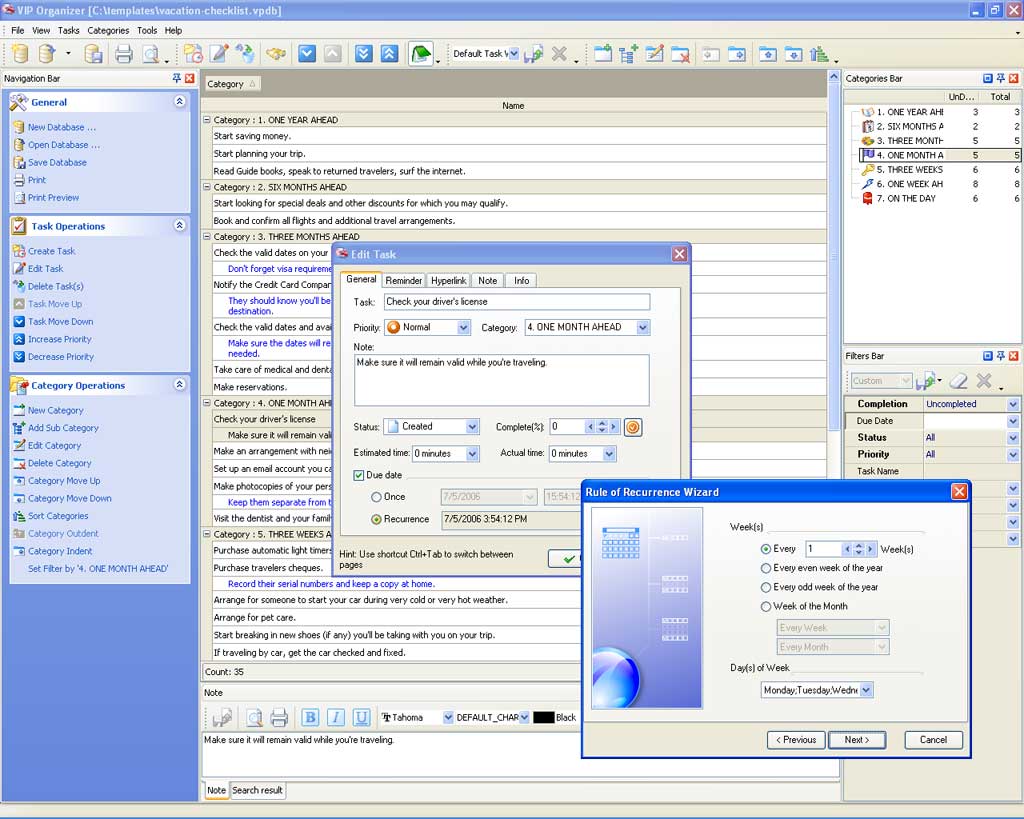
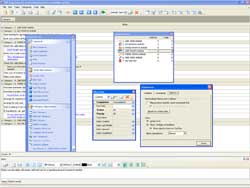
Intuitive interface.
The program features easy and intuitive interface which can be set in different styles including Windows XP (native)
style. Customizable toolbars, task list grid and floating panels allow you to make it convenient for your particular needs.
|
|
|
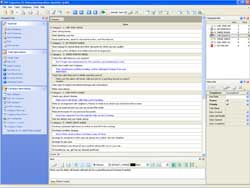
Flexible grouping of tasks.
This unique feature lets group tasks by dragging one or several columns and dropping them onto special zone above the grid. You can also embed them one into another to display your tasks in a form of a tabular tree.
|
|
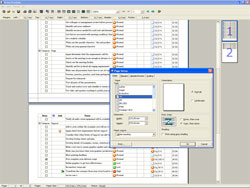
Extended printing capabilities.
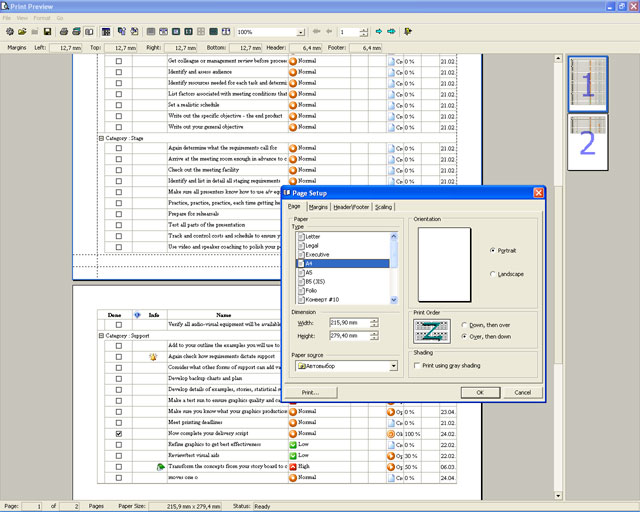
Using various design, style and background settings you can present your VIP Organizer file as comprehensible and pro-looking report.
|
|
|
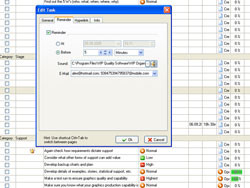
Advanced reminder (Message, Sound and E-mail).
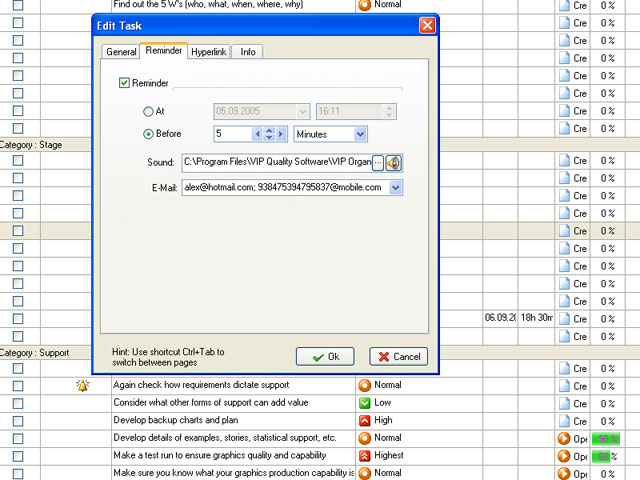
You can set task reminders in the form of message, melody, or send an e-mail with task reminder to computer or mobile phone of assigned resource. Reminder can be set both for definite time and for some period before that time.
|
|
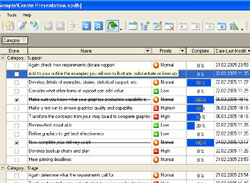
Visual tracking of tasks status.
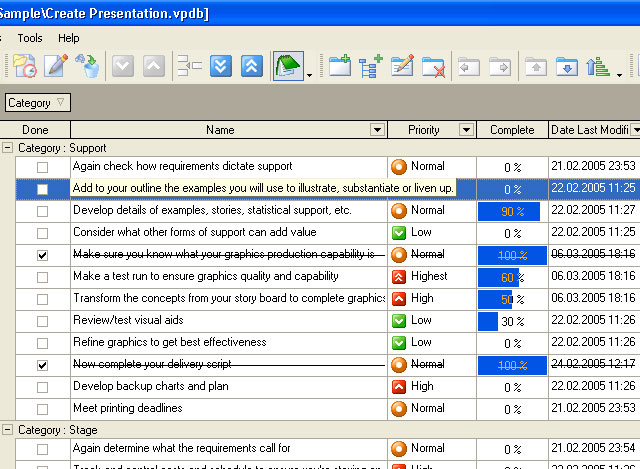
For trackingtasks progress VIP Organizer offers the following tools: ‘Done’, Complete %, Status and Info columns where you can define and track status of tasks.
|
|
|
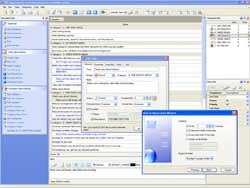
Recurrence task setting.
You can specify time settings of tasks which are repeated hourly, daily, weekly, monthly, etc.
|
|
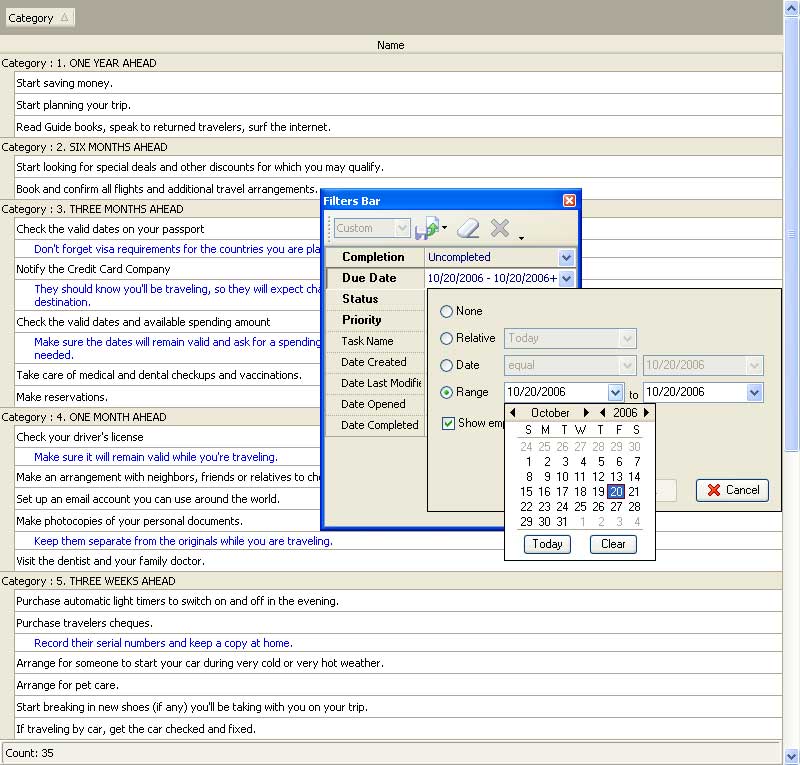
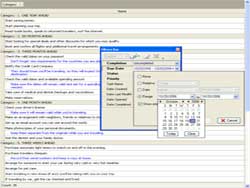
Sorting and filtration of tasks.
Powerful sorting and filtration system helps you optimize your working process and use VIP Organizer more efficient. Most useful filters are placed on floating panel for quick access.
|
|
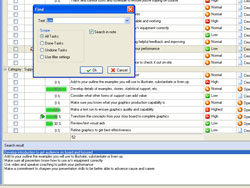 |
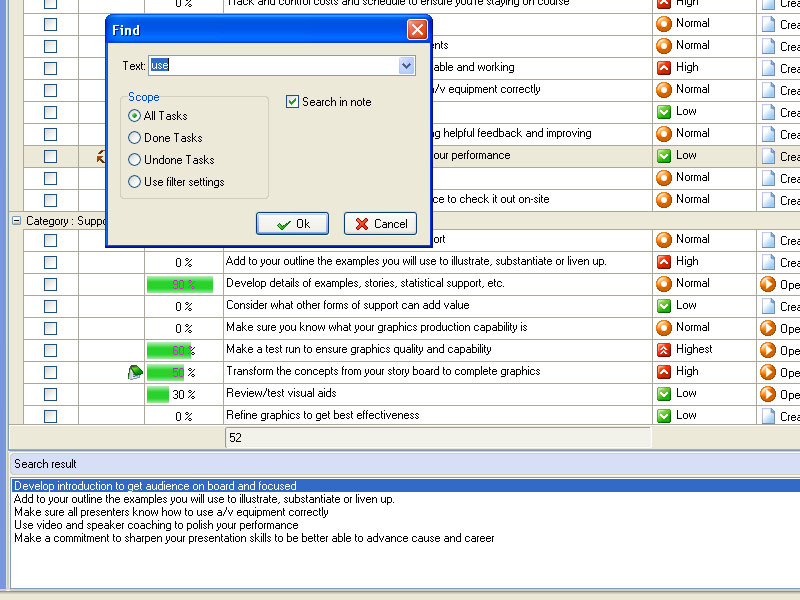
Text search engine
Working with big size VIP Organizer files you can easily find necessary task by using Text Search Engine.
|


|
|
|
|
|
|
|
|
|
CentriQS  -15% OFF -15% OFF |
All-in-one business management software
for small and midsize enterprises |
 |
|
|
| VIP Task Manager |
Multi-user project management software
to plan, schedule and track project tasks. |
 |
|
|
|
Feb 1, 2016 |
TopTenReview: VIP Organizer has been added to the list of the best organizer software in 2016.

|
|
Oct 7, 2015 |
|
CentriQS 2.1 is released! Track your working hours more effectively: add time logs in fewer clicks, set time log dates automatically, and get warnings to avoid wrong time calculations. Try new CentriQS features for free within 30 days. Free Download
|
|
Jan 20, 2015 |
|
VIP Quality Software offers Checklist + Software Bundle that includes checklist software VIP Organizer and more than 750 checklists. You can open and use checklists in three programs: MS Word, Adobe Reader, and VIP Organizer. Now you can buy the bundle for less than half the price.
|
|
|
|
|
|
|